ZenDuty
Overview
NudgeBee integrates with ZenDuty for incident management. Events and alerts can automatically create ZenDuty incidents with full lifecycle support — including acknowledgment and resolution.
Prerequisites
Before configuring the integration, ensure you have:
- A ZenDuty account
- A ZenDuty API key
- At least one team and service configured in ZenDuty
Generate a ZenDuty API Key
- In ZenDuty, navigate to your profile icon > My Profile.
- Find the API Key section.
- Copy your API key.
The API key must have permissions to create and manage incidents across your teams and services.
ZenDuty Integration Configuration
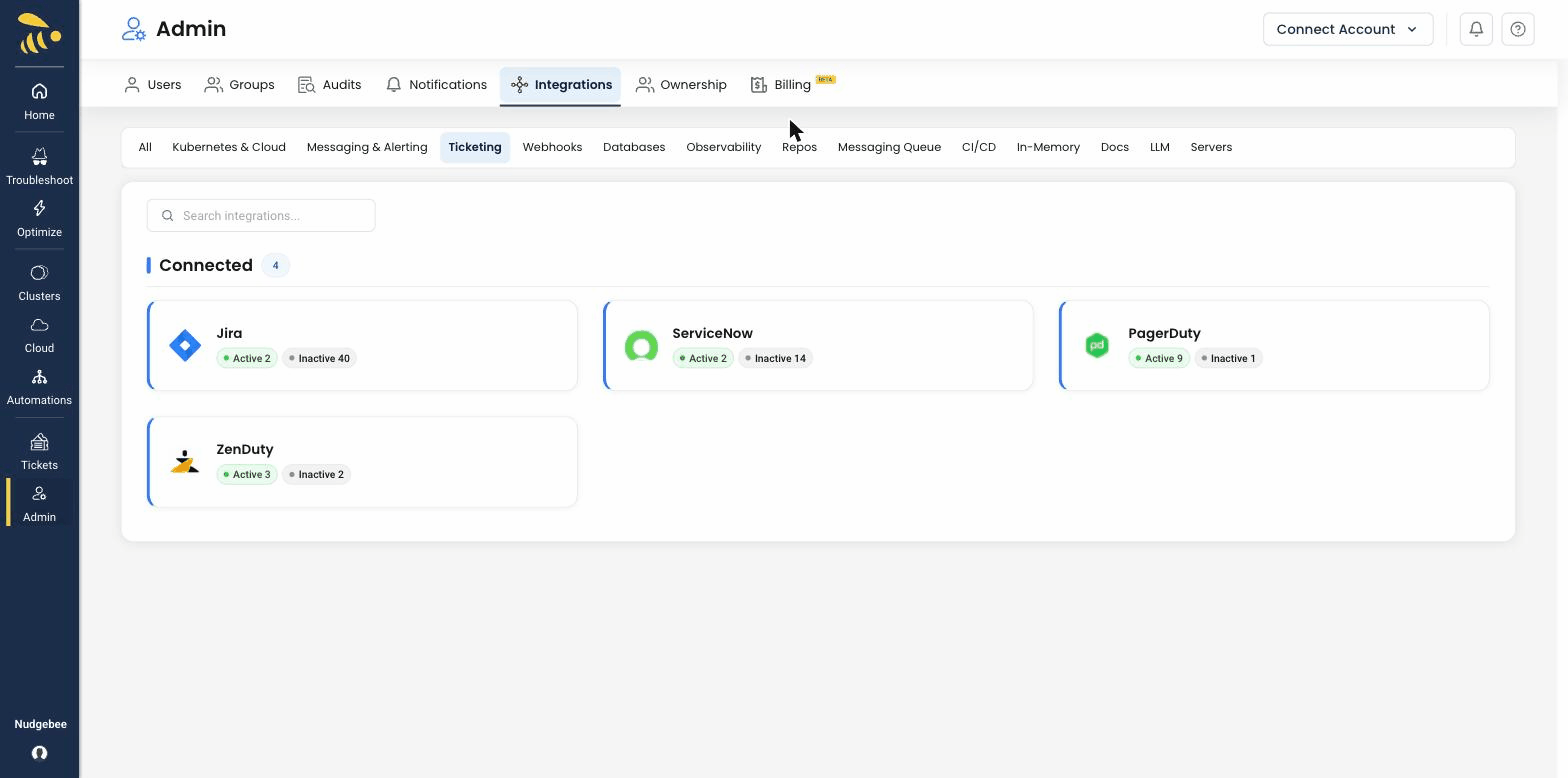
Navigate to Settings > Integrations > Tickets tab and select ZenDuty to open the configuration form.
Configuration Fields
-
API Key * (Required)
- Your ZenDuty API key.
- This value is stored encrypted in NudgeBee.
-
URL
- ZenDuty API URL. Default:
https://www.zenduty.com/api. - Only change this if you have a custom ZenDuty endpoint.
- ZenDuty API URL. Default:
-
Username
- Your ZenDuty email address for reference.
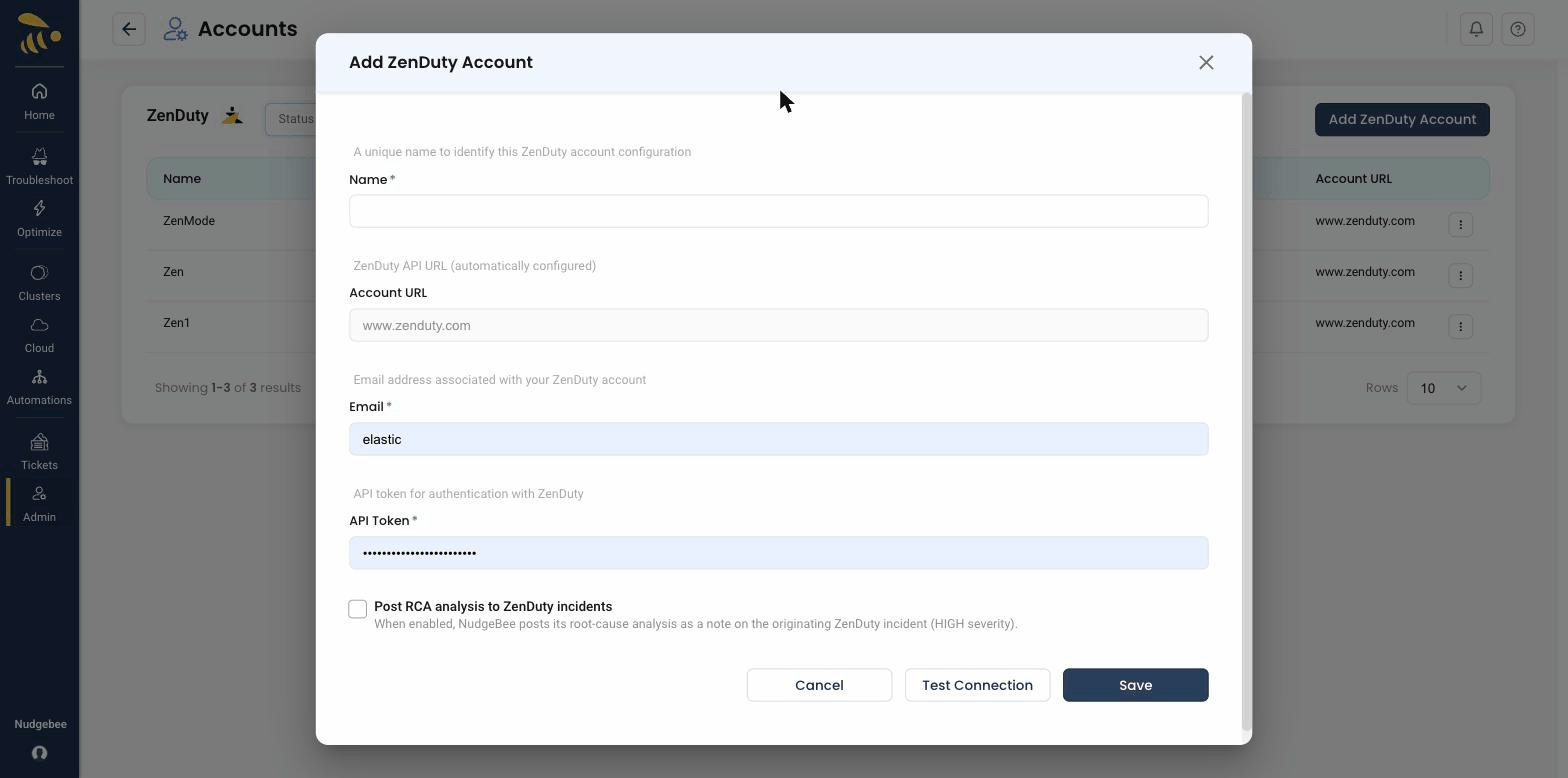
Credential validation: on save, NudgeBee tests the connection by fetching your ZenDuty teams. If authentication fails, verify your API key is correct.
Capabilities
ZenDuty is the most complete incident management integration, supporting the full incident lifecycle:
| Operation | Description |
|---|---|
| Create Incident | Create incidents with title, description, service, assignees, and urgency |
| Add Comment | Add notes to existing incidents |
| Get Comments | Retrieve comments from an incident |
| Get Incident | Retrieve incident details by ID |
| Acknowledge | Mark an incident as acknowledged |
| Resolve | Resolve an incident with an optional resolution note |
| Query Metadata | Fetch available services, users, and urgency levels |
Supported Incident Fields
| Field | Description |
|---|---|
| Title | Incident title |
| Description | Incident summary with event context |
| Service | Target ZenDuty service for the incident |
| Assignees | One or more ZenDuty users (supports multiple assignees) |
| Urgency | Mapped from NudgeBee priority |
Priority Mapping
| NudgeBee Priority | ZenDuty Urgency |
|---|---|
| High | High (2) |
| Medium | Medium (1) |
| Low | Low (0) |
Incident Lifecycle
ZenDuty supports the full incident lifecycle from NudgeBee:
Created → Acknowledged → Resolved
- Created — Incident is triggered and assigned to on-call users
- Acknowledged — Responder has seen and is working on the incident
- Resolved — Incident is closed, optionally with a resolution note
Creating Incidents
Incidents can be created from NudgeBee in two ways:
- Automatically — from events, alerts, or autopilot runbook actions
- Manually — from the NudgeBee event detail view by clicking the ticket icon
Verify the Integration
- Save the configuration. If credentials are valid, the integration is created without errors.
- Navigate to any event in NudgeBee.
- Click the ticket creation option and select ZenDuty.
- Verify the incident is created in your ZenDuty account under the selected service.
Notes
- ZenDuty is the only ticket integration that supports multiple assignees per incident.
- ZenDuty supports the full incident lifecycle (create, acknowledge, resolve) directly from NudgeBee.
- ZenDuty also supports a separate webhook integration for receiving ZenDuty alerts into NudgeBee. See the webhook configuration in Integrations > Webhooks.