Scripting Tasks
Execute custom scripts in multiple languages across different execution environments.
scripting.run_script
Display Name: Run Script
Execute a custom script in Bash, Python, JavaScript, or PowerShell. Scripts can run on Kubernetes, a local agent, or remotely via AWS SSM, Azure Run Command, GCP SSH, or SSH.
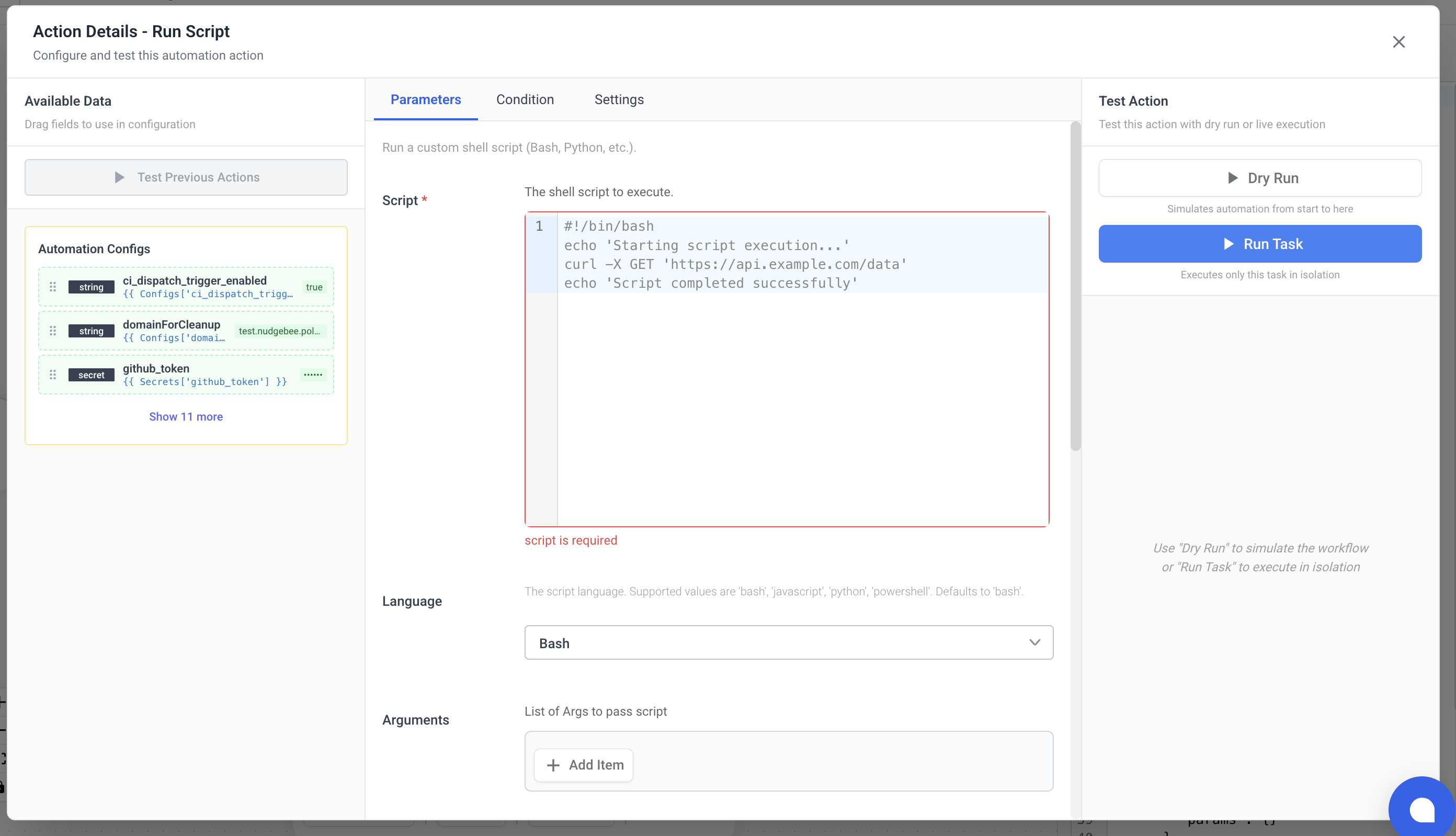
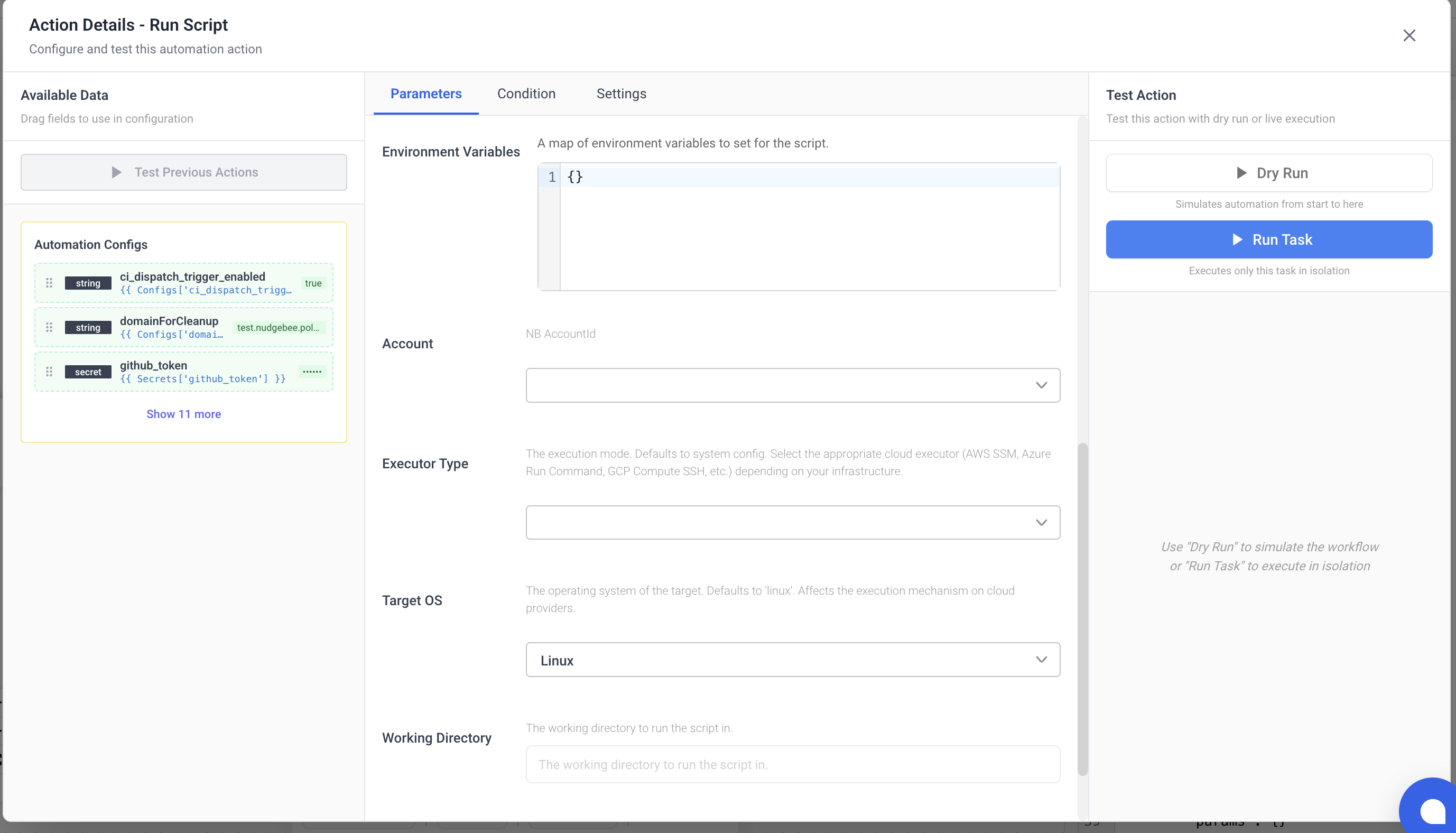
Parameters
| Name | Type | Required | Description |
|---|---|---|---|
script | string | Yes | The script to execute. |
language | string | No | Script language. Options: bash, python, javascript, powershell. Default: bash. |
args | array | No | Arguments to pass to the script. |
env | object | No | Environment variables (key-value map). |
executor_type | string | No | Execution environment. Options: kubernetes, agent, aws_ssm, azure_run_command, gcp_compute_ssh, ssh. |
os_type | string | No | Target OS. Options: linux, windows. Default: linux. |
target_id | string | No | VM/Instance ID for remote execution. Required for aws_ssm, azure_run_command, gcp_compute_ssh. |
region | string | No | Cloud region for remote execution. Required for aws_ssm, azure_run_command, gcp_compute_ssh. |
integration_id | integration | No | SSH integration ID. Required for ssh executor type. |
cwd | string | No | Working directory for the script. |
image | string | No | Container image override (for kubernetes or agent executor types). |
resources | object | No | Resource limits for Kubernetes execution: cpu_request, cpu_limit, memory_request, memory_limit. |
parser_type | string | No | Output format parser. Set to json to parse stdout as JSON. |
account_id | account | No | NudgeBee account ID. |
Output
| Name | Type | Description |
|---|---|---|
data | any | Script output. If parser_type is json, this is a parsed object; otherwise, raw string. |