Freshdesk
Connect Freshdesk so NudgeBee can create and track support tickets from events, recommendations and automations.
Prerequisites
- A Freshdesk account NudgeBee can authenticate as, with permission to create and read tickets.
- That account's API key, found in Freshdesk under Profile Settings → Your API Key.
tip
Use a dedicated agent account rather than a personal one. Tickets NudgeBee raises are attributed to whichever account the key belongs to, and a personal key stops working when that person's access changes.
Step 1: Configure the Integration in NudgeBee
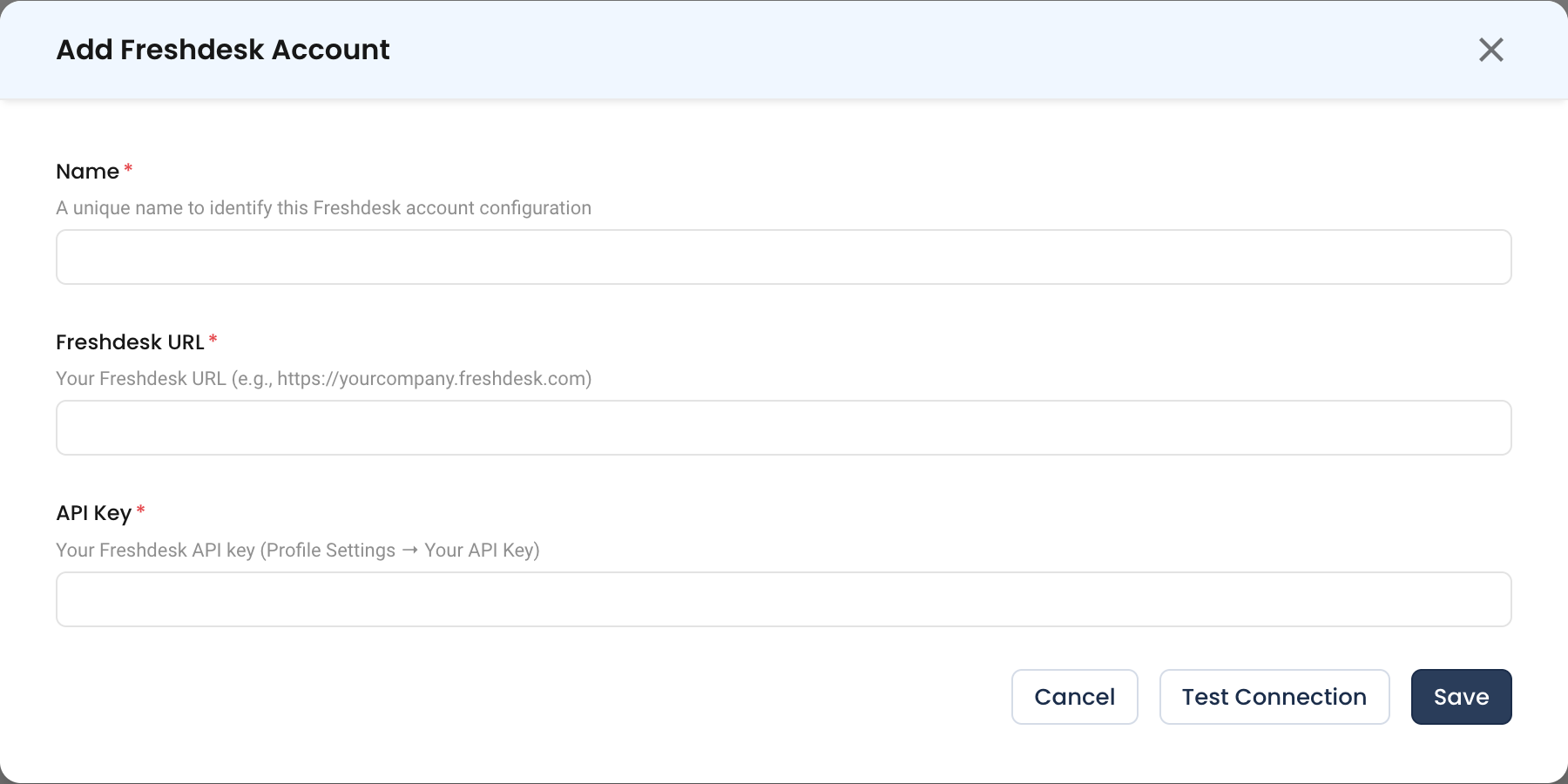
Navigate to Admin > Integrations > Ticketing, select Freshdesk, then click Add Freshdesk Account.

- Name * (Required)
- A unique name to identify this Freshdesk account configuration, e.g.
support-prod.
- A unique name to identify this Freshdesk account configuration, e.g.
- Freshdesk URL * (Required)
- Your Freshdesk domain, e.g.
https://yourcompany.freshdesk.com.
- Your Freshdesk domain, e.g.
- API Key * (Required)
- The API key from Profile Settings → Your API Key in Freshdesk.
Step 2: Test and Save
Click Test Connection, then Save.
What You Can Do Once Connected
- Create Freshdesk tickets manually from errors, events, recommendations and logs.
- Have Autopilot open tickets automatically from pre-configured rules.
- Create tickets from an automation with the ticket tasks.
Verify the Integration
- Click Test Connection on the form — it should succeed before you save.
- Create a ticket from a NudgeBee event and confirm it appears in Freshdesk.
- Confirm the ticket is attributed to the expected agent account.
Troubleshooting
| Symptom | Likely Cause | Fix |
|---|---|---|
401 Unauthorized | Wrong API key, or the key belongs to a deactivated agent | Regenerate the key under Profile Settings → Your API Key and update the integration. |
| Connection test fails on the URL | Domain entered without scheme, or with a trailing path | Use the bare domain with https://, e.g. https://yourcompany.freshdesk.com. |
| Tickets are created but fields are empty | Required custom fields on the ticket form are not being supplied | See the ticketing diagnostic guide. |
403 Forbidden on create | The agent lacks ticket-creation permission | Grant the agent a role that permits creating tickets in the target group. |