Action: REST API Action in Runbook
Add this action in the Automation builder: click Add Action, search for it, and configure its parameters.
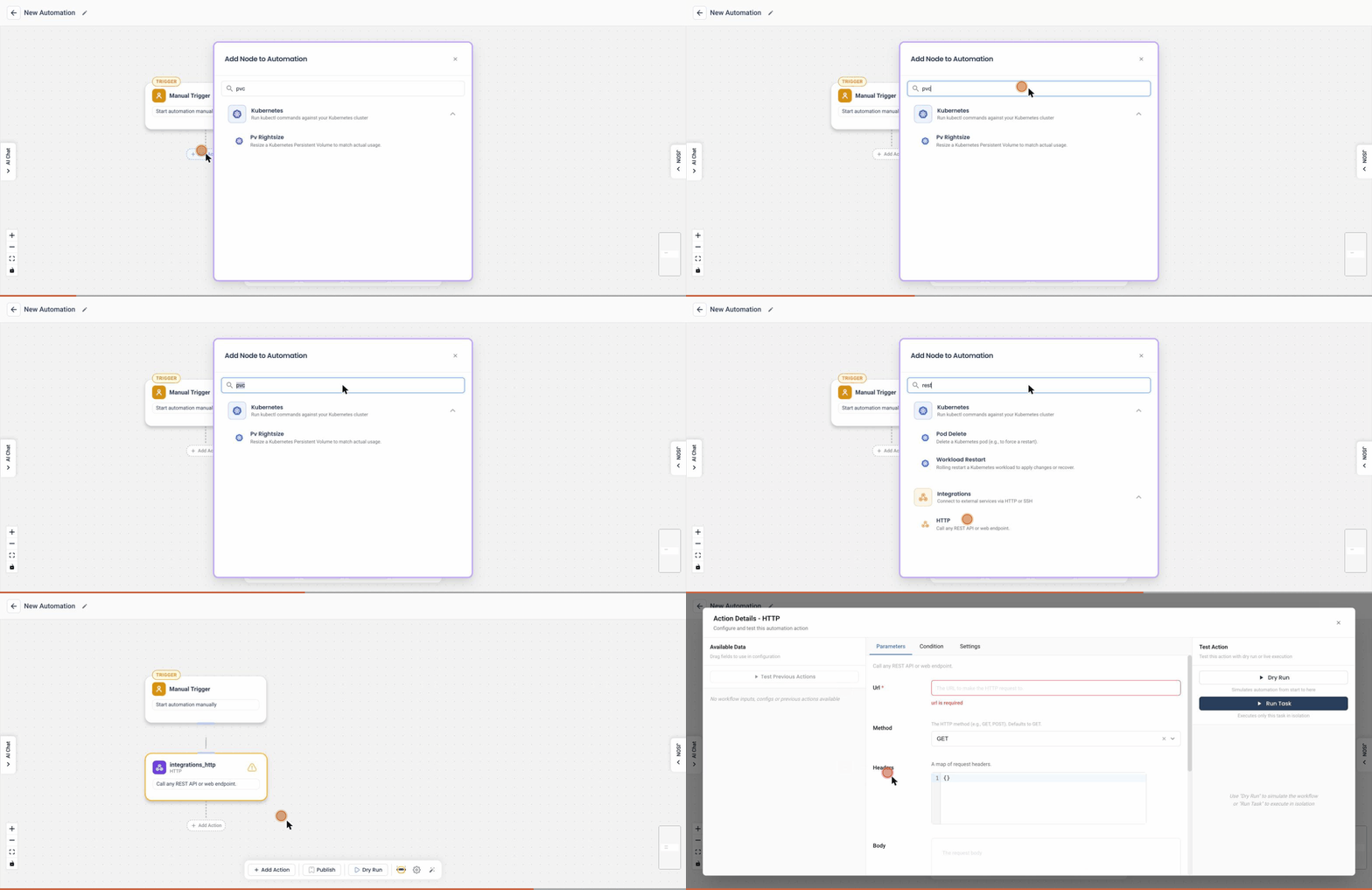
The REST API Action in Runbook allows users to interact with external APIs by sending HTTP requests directly from the Runbook workflow. This action is highly configurable, enabling users to define request parameters, payloads, and execution behavior.
Fields and Configuration
1. Request URL
- Specify the URL of the API endpoint you wish to call.
- Example:
https://api.example.com/data.
2. Request Type
- Select the HTTP method to use for the request:
GETPOSTPUTDELETE
- Example: Select
POSTfor sending data to an API.
3. Payload
- Define the request body in JSON format. This field is primarily used for
POSTandPUTrequests. - Example:
{
  "key1": "value1",
  "key2": "value2"
}
4. Retries
- Specify the number of retry attempts in case the request fails.
- Example: Set
3to retry the request up to 3 times.
5. Timeout Seconds
- Set the timeout for the request in seconds. If the request takes longer than the specified time, it will be aborted.
- Example: Set
10for a 10-second timeout.
6. Sync
- If enabled, the Runbook will wait for the API response before proceeding to the next step in the workflow.
Example Use Case
Objective
Post data to an API with retries and a timeout.
Configuration
- Request URL:
https://api.example.com/data - Request Type:
POST - Payload:
{
  "username": "johndoe",
  "email": "johndoe@example.com"
} - Retries:
2 - Timeout Seconds:
5 - Sync: Checked (enabled)
This setup ensures the API is called with the specified data, will retry twice in case of failure, and will wait for a response up to 5 seconds.
Notes
- Ensure the Request URL is valid and accessible.
- Use an appropriate Request Type for the API being called.
- The Payload must follow the API's expected format.